

Free Cybersecurity Risk Assessment for Texas Businesses
Your IT is working.
Can you prove it’s secure?
If one employee clicks a phishing link, what can an attacker reach from there? This assessment answers that with evidence from your own computers, not a questionnaire.
Free for organizations with 25 or more workstations. No admin passwords required.
Complete This Form To Request Your FREE Cybersecurity Risk Assessment
We’ll reach out within one business day to schedule a 20-minute kickoff call.
ThreatLocker Gold Partner Every Year Since 2020
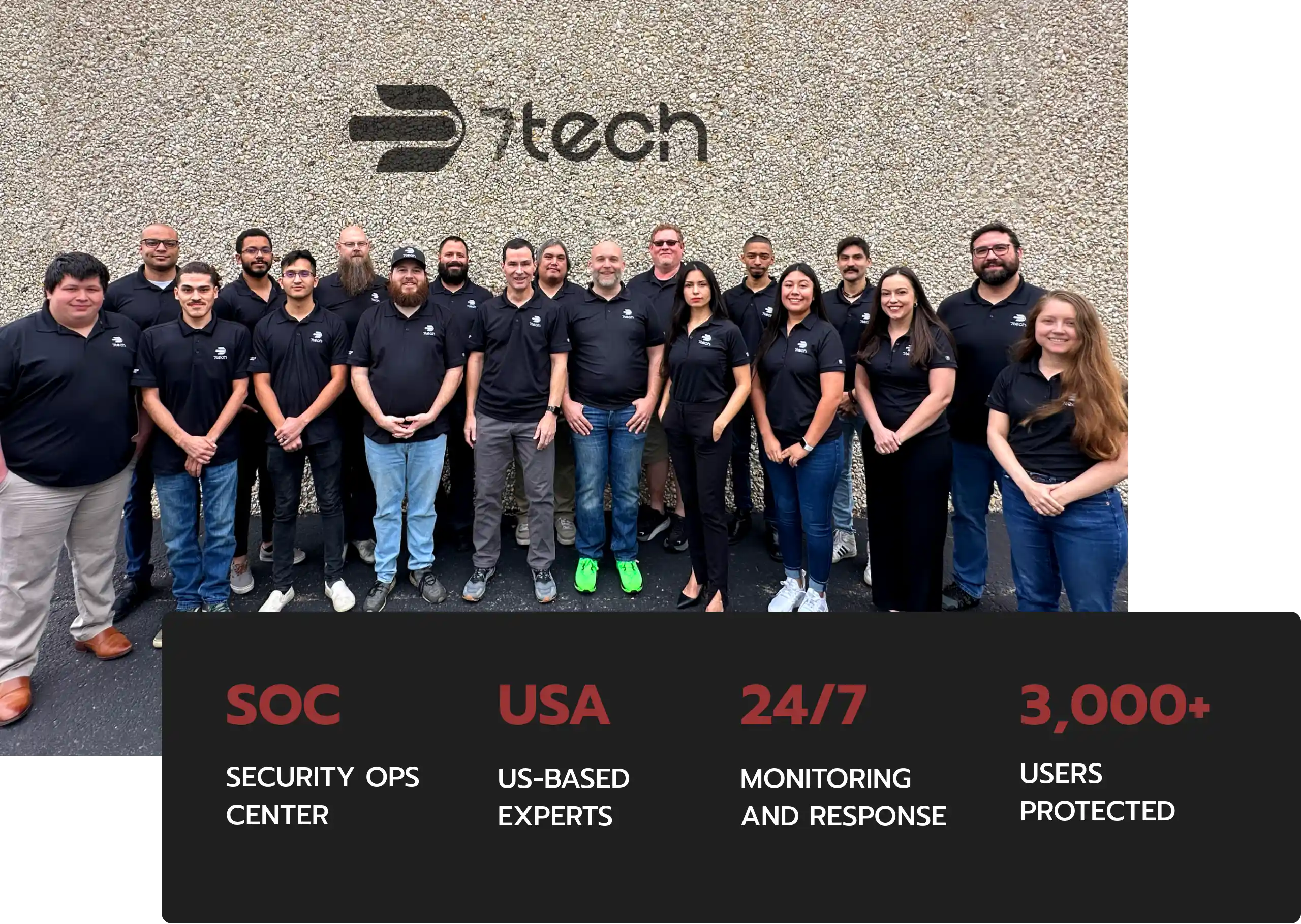
3,000+ End Users Protected
Supporting 80+ Businesses
94% Client Retention, 2025
97.4% CSAT, 2025
In Business Since 2012
 ¸
What you’ll know when it’s done:
- Which saved passwords an attacker could read in plain text, and whether any of your team’s passwords already appear in known data breaches
- Which accounts have passwords that never expire, so a stolen password keeps working indefinitely
- Whether your laptops would expose company data if one were lost or stolen
- Which browser extensions can read what your team types, views, or stores
- Which AI tools your employees already use, and whether company data could be going with them
- Where sensitive personal data such as Social Security and card numbers sits unprotected, with an estimated cost of exposure
- Which missing patches and known vulnerabilities an attacker could use on the computers tested
- Whether your computers automatically join open public Wi-Fi
PLUS a full software inventory, an antivirus status check, and an external scan of your internet-facing addresses, with every finding ranked by risk and paired with fix steps.
Three steps, about a week start to finish
Step 1. A 20-minute kickoff call.
We confirm the assessment fits your organization, pick which computers to test, and explain exactly what the scan looks at.
Step 2. Your team runs a secure link.
Someone on your team opens a link on 3 to 5 computers with different levels of access, such as an executive, someone in finance or HR, and a standard user. No admin passwords, and nothing for us to install remotely. The test runs in a visible window from our independent testing partner, so your team always knows when it’s running.
Step 3. A results review meeting.
We walk your leadership team through what we found, ranked by risk, with specific steps to fix each issue.
Built for organizations with 25 or more workstations

- Manufacturers
- Construction firms
- Nonprofits
- Healthcare
- Financial Services
- Other businesses with compliance requirements
Many growing Texas businesses use this assessment to answer a question their current setup can’t:
“is our security actually working?”
It’s useful whether you have an in-house IT team, an outside provider, or a mix. Many organizations use it as an independent check on the protections they already pay for.
A real test, not a full audit
This assessment shows how far an attacker could get from the computers you choose to test.
It uses the same techniques attackers use after a phishing click, so the findings come from evidence, not a checklist.
It is a snapshot of those computers, not a review of your entire network. If the results raise questions about the rest of your environment, we’ll talk through what a broader assessment would involve.
 ¸
See Why Other Businesses Rely 7tech
Their Speed and Efficiency Is Tantamount to an Internal,
On-Site EmployeeThere have been many positives working with 7tech. What I received the most feedback on thus far has been the ease of working with 7tech personnel. The speed in responses to tickets and professionalism of the staff ranks #1 in what GFC staff appreciate.
As manager of IT for GFC, I have appreciated the diagnoses of system shortcomings, suggestions for resolution and system efficiency and immediate steps to correct.
Having worked with a number of Managed IT companies previously, I can say without hesitation that 7tech lives up to its reputation of blending into the company infrastructure in that their speed and efficiency is tantamount to an internal, on-site employee.
 Robert Nocito
Operations Manager
Gomez Floor Coverings
Protection We Can Count On Across Every Jobsite
Before working with 7tech, we’d already dealt with multiple fraudulent attempts, so protecting our systems and data was a real concern. Now, knowing our network is actively monitored and protected gives us a huge sense of relief. We don’t have to worry about whether our information is safe. We know it is.
7tech came highly recommended, and I’m incredibly thankful for that referral. They’ve proven to be an affordable, reliable cybersecurity partner who truly has our back. Having them as part of our team allows us to stay focused on running jobs and growing a profitable construction company, instead of stressing about network security. It’s a no brainer. I’d absolutely recommend 7tech to any construction company looking for real protection and peace of mind.
 Conor Shullanberger
Owner
Lambda Construction
We Can Sleep Easier At Night Knowing We Are Protected 24/7
Their excellent customer service and willingness to get to know each client’s individual needs has made all the difference.
We value 7tech’s due diligence that ensures our cybersecurity protections are current in addition to ensuring we pass all our customer security protocols.
Since partnering with 7tech, we have NOT been hacked and can sleep easier at night knowing that we are protected 24/7 from the latest cyber threats.
If you’re looking to protect your business from cyberthreats, don’t hesitate to sign up with 7tech, they have integrity, great customer service, and will not let you down.
 Brenda Kudrna
Loan Servicing Manager
Trinity Real Estate Finance
Peace Of Mind Through Proactive Cybersecurity
Before improving our cybersecurity, there was always uncertainty about whether we were doing enough to protect our business. Now we have greater confidence knowing our security posture is being actively monitored and maintained. Having a knowledgeable team in our corner has reduced our exposure, helped protect us against ransomware and other cyber threats, and given us real peace of mind that potential risks are being addressed proactively.
What sets them apart is their responsiveness and clear communication. You never have to wonder what’s happening or where things stand. If you’re concerned about cybersecurity or ransomware, don’t wait for an incident to take security seriously. Having the right partner in place before something goes wrong makes all the difference, and I’d absolutely recommend them.
 Brian Smith
Sr. IT Admin
CultureSpace
Free Cybersecurity Risk Assessment FAQs
Is it really free?
Yes, for organizations with 25 or more workstations.
Do you need our admin passwords?
No. The scan runs from a normal user’s computer, the way an attacker would after a phishing click.
What does the scan look at?
What an attacker could reach from that computer, including passwords saved in web browsers. Results go only to your team and ours.
Will it slow down our computers or interrupt work?
No. It runs in the background while your team keeps working.
We already have an IT provider. Is this still for us?
Yes. The test is run by an independent security firm, so it checks your current protections from outside your IT relationship. Let your provider know before the test so their security tools don’t flag it.
How long does the free cybersecurity risk assessment take?
A 20-minute kickoff call, a few minutes per computer to start the scan, a few days of analyst review, and a results meeting about a week after kickoff.
Do we keep the report?
Yes. The full report is yours, whether or not you work with us.
Find out before an attacker does
Fifteen minutes to start. A clear answer in about a week.
