
What a Good IT Scorecard Should Look Like for Texas Business Executives
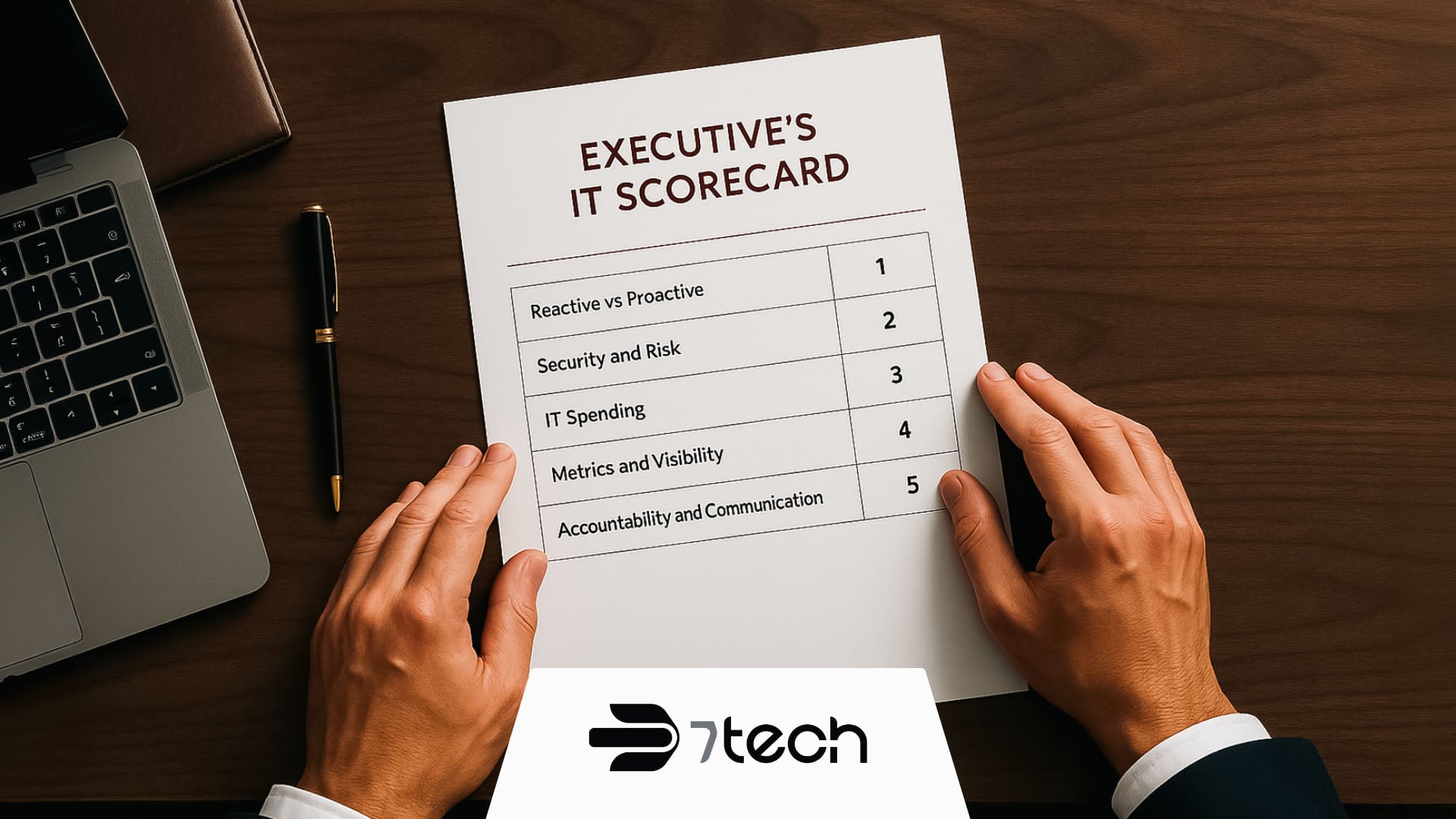
A good IT scorecard for Texas business executives gives you a clear high-level view of your technology health in 5 key areas including:
- Reactivity vs. Proactivity
- Security and Risk
- IT Spending
- Metrics and Visibility
- Accountability and Communication
A simple scorecard gives you clarity without forcing you to learn server settings or cybersecurity tools. It helps you see if your IT team stays ahead of problems, protects your business, spends wisely, communicates well, and supports your goals. You do not need technical skills to use one. You only need the right questions.
This easy-to-use guide breaks down what a helpful IT scorecard for Texas business executives should include, why it matters, and how to use it. Whether you lead a business in San Antonio, Austin, Dallas, or Houston, the right scorecard gives you visibility, confidence, and stronger executive IT oversight.
What an IT Scorecard Is for Business Executives
A strong IT scorecard does not hand you a wall of jargon or a list of every IT metric or support ticket. It gives you a high-level look at what matters most. You should be able to glance at it and understand the overall health of your technology environment.
Many Texas business executives use IT scorecards because they want executive IT oversight without drowning in details. Scorecards help you see what is stable, what needs attention, and where your IT team or MSP may need support. They also help you pause and consider the big questions:
- Are we prepared for growth?
- Are we protected?
- Are we spending wisely?
- Do we have visibility into what IT is doing?
- Is IT aligned with our strategy?
Here’s a simple table that helps describe the idea:
| Area | What It Shows | Why It Matters |
|---|---|---|
| Stability | How often issues appear | Helps plan your workdays |
| Security | How safe your data is | Protects customers and revenue |
| Spending | Where your money goes | Supports budget planning |
| Visibility | How well you see IT activity | Helps leaders guide decisions |
| Alignment | How IT supports goals | Drives business growth |
A good scorecard cuts through confusion and gives you clarity. That makes planning easier and leadership decisions stronger.
The Five Categories Every IT Scorecard for Executives Should Include
A modern IT scorecard for Texas business executives stays simple. You do not need thirty categories or dozens of technical metrics.
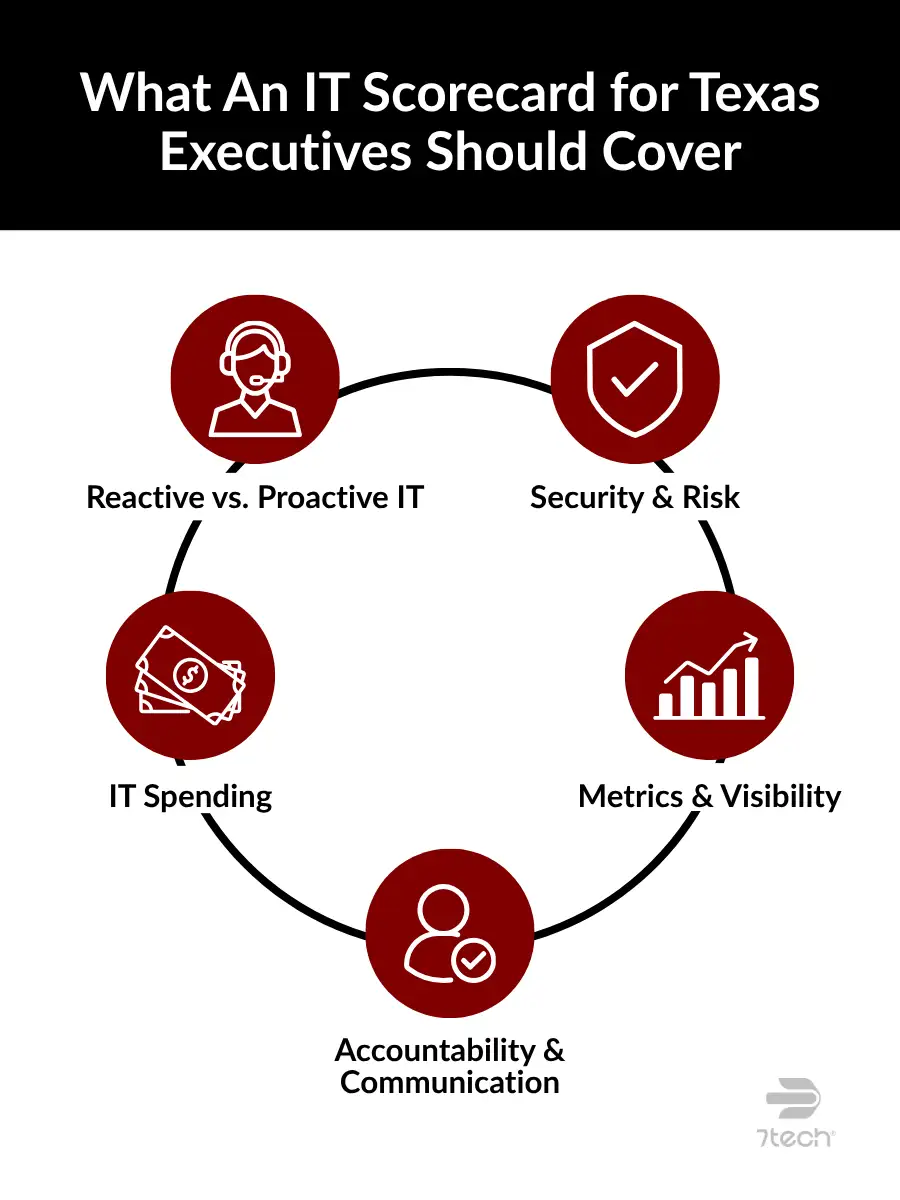
You only need five core areas that reveal the truth about your small business IT performance:
- Reactive vs Proactive
- Security and Risk
- IT Spending
- Metrics and Visibility
- Accountability and Communication
These categories help you understand your IT at a high level without technical knowledge. Let’s walk through each one.
Category 1: Reactive vs Proactive
Leadership Question:
Does your IT team stay ahead of problems, or are they always putting out fires?
Reactive IT harms a small business IT performance because it keeps your company in catch-up mode. Issues appear at the worst times. Staff lose time. Your team rushes to fix things. Leaders feel like technology works against them.
A proactive approach feels completely different. This difference shows up in your daily IT support experience. It is calmer, predictable, and almost invisible. When IT works well, your business moves smoothly. If reliability matters to your team, you may want to explore our guide to zero downtime IT services.
Reactive work often leads to outages, and those outages get expensive fast. According to a survey by Medium, about 25% of SMBs reported downtime costs in the $20,000-$40,000 per hour, which makes a proactive approach far more cost-effective.
If your IT feels calm, consistent, and in control, you’re likely seeing the effects of a proactive approach.
Here’s how that shows up:
- Regular planning conversations about upcoming needs
- A roadmap that shows where technology is heading
- Preventive maintenance done on a schedule
and what to watch for if it doesn’t:
- The same problems keep showing up
- Issues appear with no warning
- IT spends more time reacting than planning
Category 2: Security and Risk
Leadership Question:
Are your backups tested, is our technology current, and are you meeting legal compliance requirements?
Security is more than firewalls and antivirus. It is your business’s safety net. When things go wrong, you want to know recovery will work. Backups should be tested, systems should stay updated, and every IT company should be able to explain how they protect your data.
Many risks stay hidden until someone tries to recover a file that is not there or learns a tool is outdated. When these areas fall behind, your IT performance drops and these gaps often create unplanned downtime, which can be costly. You can explore the cost of ITdowntime for your company here.
Security gaps often stay quiet until it’s too late. A well-managed IT environment stays ahead of those risks.
Here’s what to expect from a secure setup:
- Backups that get tested, not assumed
- Updated systems with no aging hardware
- Clear explanations about compliance requirements
And the red flags worth your attention:
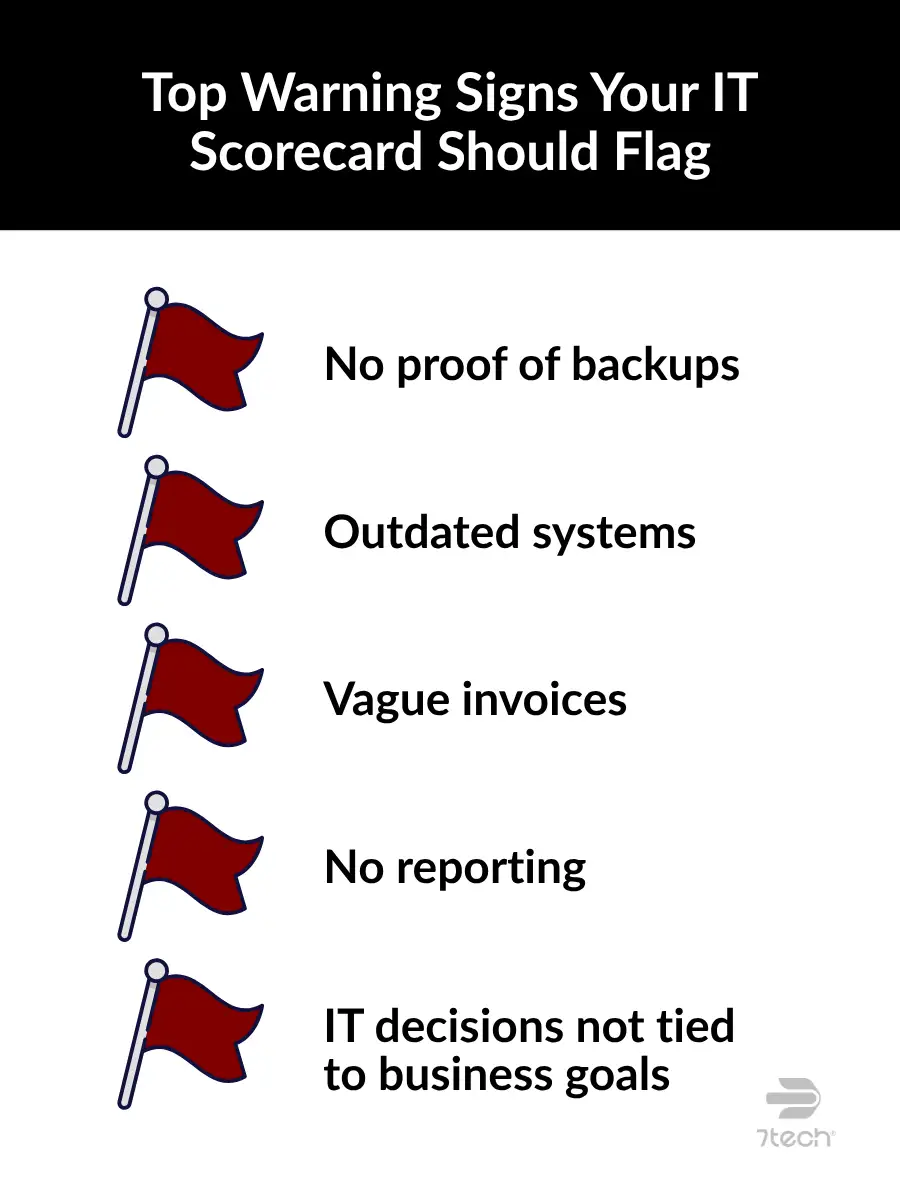
- No proof that backups work
- Old or unsupported systems
- Uncertainty about regulatory requirements
Category 3: IT Spending
Leadership Question:
Can you clearly explain what you’re paying for in your IT budget and why?
Your IT spending should feel clear. You should know what you pay for, why you pay for it, and how it supports your goals. Your IT budget should never feel like a mystery bill. In fact, many businesses waste money on duplicate tools, unused software, or vague monthly invoices.
When spending aligns with strategy, everything runs smoother.
Here’s how to spot smart IT spending:
- Clean invoices with simple explanations
- No overlapping subscriptions or duplicate tools
- Regular reviews of software and licensing
And warning signs to look for:
- Paying for overlapping tools
- Active subscriptions that nobody uses
- Vague invoices that confuse your team
- No annual review of IT costs
Category 4: Metrics and Visibility
Leadership Question:
Do you have clear reports that show how well IT is performing?
Visibility is one of the most important parts of any IT scorecard. Clear IT metrics help you see patterns without the noise. You should always know how your systems are doing, what your IT team is working on. A clear report should take minutes to understand, not hours.
These reports should give clarity into the IT performance metrics small business leaders care about. You should know where risks sit, where time goes, and how well your systems support your people. These are the kind of IT KPIs small business teams can use without technical training.
Reports should never overwhelm you. They should help you lead.
These signs point to real visibility:
- Easy-to-read reports with plain language
- Scorecards that summarize the big picture
- Monthly or quarterly review meetings
And red flags that can leave you flying blind:
- No reports at all
- Only hearing from IT when something breaks
- Reports filled with jargon
Category 5: Accountability and Communication
Leadership Question:
Does your IT team take ownership and align technology decisions with your strategy?
Strong IT teams act like true partners. They care about your goals, communicate clearly, take responsibility for results, and support the business. When IT works in harmony with leadership, technology becomes a growth driver. When it does not, frustration grows and progress slows.
Clear ownership and follow-through give you real MSP accountability. A good IT partner doesn’t just fix things, they lead alongside you.
These are the behaviors that show your provider is aligned and invested in your success:
- IT leadership involved in key discussions
- Technology plans tied to business priorities
- Updates that are clear, helpful, and consistent
And warning signs you should watch for:
- IT works alone with little visibility
- Decisions that don’t support business goals
- Poor communication or unclear ownership
Case Study: NonProfit Organization Tech Alignment
The Challenge
When STARRY’s leadership team first met with 7tech, they were dealing with an all-too-common problem: their IT provider treated them like an afterthought. Projects lagged, communication felt thin, and the organization struggled to get clear answers when they needed them most.The shift happened the moment they partnered with 7tech. Instead of late replies and unclear work, they got planning, transparency, and real support. Richard Singleton, CEO of STARRY, described it best when he said “the transition from being overlooked… to being made to feel important has been phenomenal.”
The Solution
A proactive approach. Clear communication. Real accountability. A partnership built on clarity instead of confusion.For leaders across Texas, this story highlights the value of a high scoring IT partner. Planning gets easier, risks drop, and decisions improve.

How Business Executives Can Use an IT Scorecard to Evaluate Their IT
A clear scorecard gives you a steady way to check your IT performance without reading long reports. You can use an IT scorecard during budget reviews, strategy sessions, or leadership meetings. It helps you evaluate IT performance without technical steps.
When gaps appear, leaders often turn to Managed IT Services for added support. If you want to see how a modern IT partnership supports these scorecard categories, take a look at our Managed IT Services. It shows what a well rounded IT approach looks like in practice.
A simple scorecard helps you ask stronger questions and lets you lead with confidence instead of guessing where things stand.
If you want a deeper look at how to evaluate IT performance beyond a simple scorecard, you can review our guide on how to evaluate IT performance for a practical breakdown of what strong IT support should deliver.
Common Misconceptions About IT Scorecards
Many leaders bring assumptions to the table when it comes to IT scorecards. Here are common myths:
“You need technical knowledge to use an IT scorecard.”
You do not. A good scorecard stays simple and clear. You should be able to read it like a financial report.
“Small businesses don’t need IT oversight.”
Every growing company depends on technology. Without oversight, it’s too easy to lose visibility and miss costly gaps.
“Scorecards are only for problems.”
Scorecards are not only for problems. They’re just as valuable when things are going well. Scorecards confirm what’s working and help plan what’s next.
“IT performance is too complex to measure at a high level.”
A strong scorecard makes your IT easy to understand at a glance. With the right categories, you can understand key trends without digging into technical noise.
“IT scorecards must include every technical metric.”
Not true. More data doesn’t equal better insight. A strong scorecard gives you signal, not noise.
Frequently Asked Questions About IT Scorecards
How often should a Texas business review an IT scorecard?
Most leaders review it monthly or quarterly.
Can nontechnical leaders use a scorecard?
Yes. A good scorecard uses simple language.
Can a scorecard help evaluate my internal IT team or MSP?
Yes. It gives you insight into performance, protection, and alignment.
What if I am happy with my current provider?
A scorecard still helps confirm you get great value.
Final Thoughts for Texas Business Executives Using an IT Scorecard
A clear IT scorecard helps you understand where your IT supports your company and where attention is needed. You do not need to be an IT expert. You only need the right questions and a clear view of what matters most.
Ready to Take the Next Step?
If your scorecard looks strong, a friendly competitive bid can give you extra peace of mind. It costs nothing and acts like a quick value check, much like getting a second look on your insurance. It confirms that your current IT services and support deliver what you need.
If your scorecard feels lower than expected, we have something even more helpful – a Customized IT Services Comparison and Competitive Bid. We show you which services match your scorecard results and what they should cost. You can use that however you like, whether that means talking with your current provider or exploring new options.
Whether you’re looking for validation or looking for support, you can schedule your session here.

Neal Juern, Founder and CEO of 7tech, helps business leaders take control of their IT and strengthen cybersecurity without the complexity. Since founding 7tech in 2012, he’s built it into a 5X MSP 501 winner and guided hundreds of executives toward smarter, safer operations through Managed IT Services and Managed Security Services that make sense to people outside the IT department. He speaks regularly to executive and nonprofit audiences across Texas.